 Vfat
Vfat rebalancing - Buffers, Cutoffs, and Range Placement
Vfat rebalancing withdraws concentrated liquidity, swaps tokens as needed, and creates a replacement position in a new price range. Manual rebalancing lets you initiate the change; Auto-Rebalance evaluates saved triggers before attempting it. Execution requires chain-level authorization for your Sickle smart contract wallet and saved position settings. Positive buffers move those triggers beyond the position's boundaries, while negative buffers can bring them inside the active range. Cutoff prices pause Auto-Rebalance beyond fixed limits without closing the position. A configured delay requires the trigger to persist, and execution must still satisfy transaction limits and gas-funding conditions. Range placement is a separate choice: Recenter and Custom determine where the replacement position sits relative to market price.
Updated -
Recenter and Custom range placement
Auto-Rebalance uses Recenter to place a configured range around current price; Custom preserves the existing width while controlling the replacement range's placement.
Pool tick spacing aligns the final boundaries. Custom uses an offset from the relevant boundary after price crosses the trigger. Following a price rise, the new upper boundary supplies the reference; after a fall, the new lower boundary does. Small offsets keep price near that boundary. Increasing the offset moves price farther inside, but an offset beyond the opposite boundary puts it outside again. Negative offsets can also leave price outside. Swaps may still be necessary, depending on market price and the position's token balances.
Custom links its rising- and falling-price percentage inputs by default. You can unlink them to request different offsets in each direction. The selected percentage convention and pool tick spacing govern the applied values. In Actual price change mode, rounding moves offsets inward toward the range, so previews can differ slightly from requested percentages. A zero offset places price just inside the chosen boundary. Buffers and market price at execution also affect how far the range moves.
Custom requires a verified deployment for the chain and position type. Older Sickle automation generations may need the migration shown in the app.
How do buffers shift the rebalance trigger?
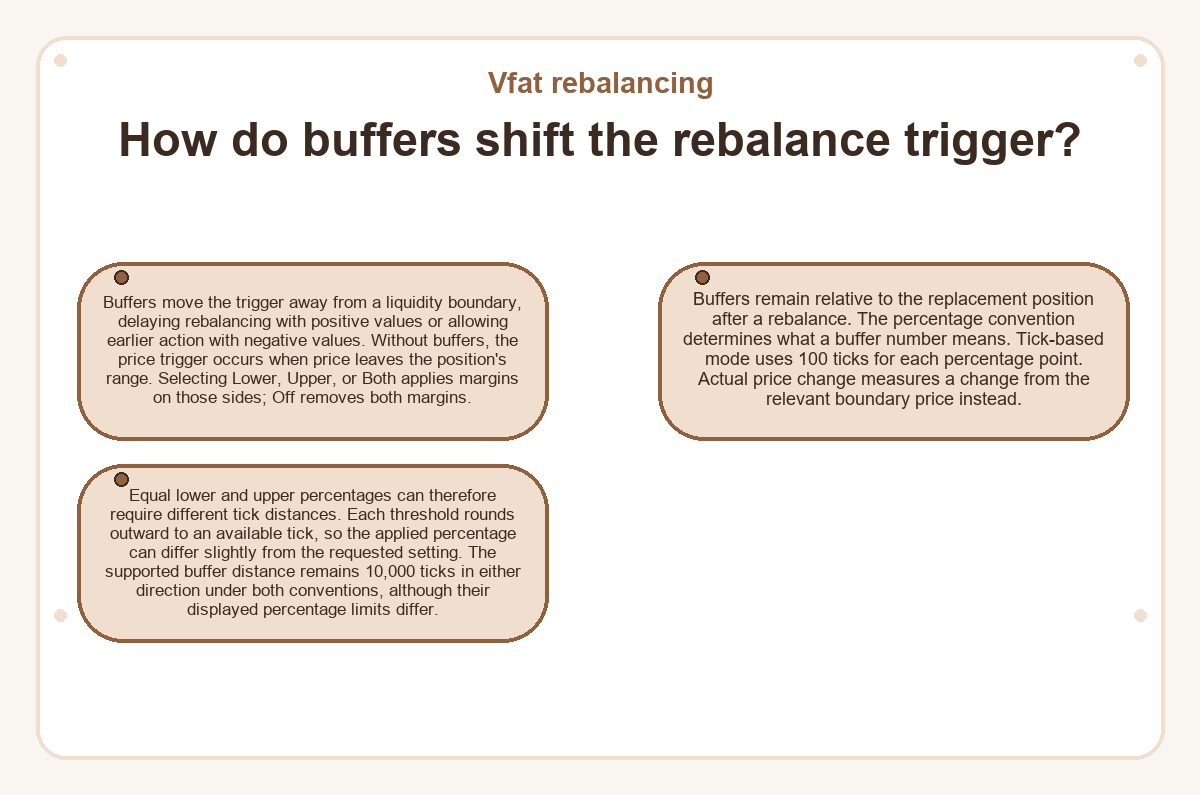
Buffers move the trigger away from a liquidity boundary, delaying rebalancing with positive values or allowing earlier action with negative values. Without buffers, the price trigger occurs when price leaves the position's range. Selecting Lower, Upper, or Both applies margins on those sides; Off removes both margins. Buffers remain relative to the replacement position after a rebalance.
The percentage convention determines what a buffer number means. Tick-based mode uses 100 ticks for each percentage point. Actual price change measures a change from the relevant boundary price instead. Equal lower and upper percentages can therefore require different tick distances. Each threshold rounds outward to an available tick, so the applied percentage can differ slightly from the requested setting. The supported buffer distance remains 10,000 ticks in either direction under both conventions, although their displayed percentage limits differ.
What happens beyond a cutoff price?
Auto-Rebalance pauses beyond a configured cutoff price and can resume after price returns within the limits if other conditions are met. Crossing that limit does not close the position or switch its automation off. Lower and upper cutoffs remain fixed while buffers move with replacement ranges. Cutoff inputs may round to an available pool tick. Off removes both cutoffs without discarding unsaved price drafts.
Delay, route limits, and gas funding
Rebalance delay requires a price trigger to persist for continuously observed minutes before a position qualifies for execution.
The configured delay can range from 0 to 255 minutes. Returning inside the configured rebalance range resets the timer; a zero delay adds no waiting period. Negative buffers can let this timer run while the position still lies inside its liquidity range. Delay met confirms only the timing requirement. Swap routing, simulation, and the remaining execution checks still apply.
A candidate route must respect dust, slippage, and price-impact limits. The dust limit constrains small token amounts left after swapping and adding liquidity. Slippage controls the difference between expected and executed swap prices. Price impact uses the aggregator's estimated percentage difference between the asset sold and bought. Exceeding these limits prevents execution with that route or causes a skipped attempt, with retry details shown in automation status.
Fee-funded automation also needs its rebalance fee to cover estimated gas. The required position size varies with gas prices, pool fee tier, and the transaction. Eligible Sickles can use enabled prepaid gas when fee revenue falls short, subject to balance and charge limits. These funds use the relevant chain's native token. Prepaid funding does not bypass trigger settings, permissions, or transaction limits, and it does not waive strategy fees.
Why is Auto-Rebalance enabled but not executing?
Auto-Rebalance can remain enabled while a missing approval, unmet trigger, or reported funding problem blocks execution. Chain authorization and saved position settings are separate requirements. For a position relying on prepaid gas, adding native tokens leaves another prerequisite: charging must also be enabled for that Sickle and chain.
An eligible position reaches swap routing and simulation, then execution if all remaining checks pass. A reported prepaid charge-limit failure requires reviewing the gas-account settings before that funding route can support a retry. The reported reason determines the relevant change:
- Complete any missing chain-level or action permissions before expecting automation to run.
- Enable prepaid charging if the account holds funds but prepaid gas remains off.
- When the status reports a low gas-account balance, top up that chain's gas account.
- For a charge-limit warning, review the per-operation cap; adding funds does not raise it.
- Read Queue and Next check for retry timing, keeping the recorded failure separate from the scheduled check.
Successful execution creates a replacement position with Auto-Rebalance still active and its saved settings intact. A queued check establishes another evaluation, not completed replacement liquidity. The last attempt's gas cost and protocol fee describe that attempt; a newer gas estimate may differ.
Rebalance charges and reward handling
Reward handling can add a harvest or compound charge alongside the position-based rebalance fee. Compound reinvests collected rewards into the new position. Harvest sends the original reward tokens to your wallet, while Swap & harvest converts them into a selected token first. These reward actions charge against rewards, separately from the position value used for rebalancing. The applicable reward-handling path and contract version determine those charges.
For pools with a fee tier of at most 0.05%, the standard rebalance charge is 0.01% of position value. Manual and automated rebalances share the position-based rates. A tier above 0.05% and up to 0.3% carries a 0.03% position-value charge. Network gas and applicable swap or underlying-protocol costs remain separate. Pools above the 0.3% tier use a rebalance charge of 0.05% of position value.
Vfat rebalancing questions, answered
-
Does reversing the price display change my saved rebalance triggers?
- Reversing the price display preserves saved trigger ticks while swapping rising- and falling-price inputs and previews. Existing on-chain behavior stays unchanged. Buffer and cutoff overlays continue to represent the same underlying limits in the opposite price direction; their displayed numbers should be interpreted in those reversed units.
-
What happens to Auto-Compound routing when a rebalance replaces an NFT?
- Supported rebalances carry Auto-Compound settings to the replacement NFT, preserving reward routing to the destination farm and pool. The saved setup remains subject to Auto-Compound's permissions, funding, and execution conditions. A completed rebalance alone does not establish that a separate automated compound run occurred.
-
Where do leftover tokens go after a rebalance?
- The rebalance sends leftover dust to your wallet after swapping and adding liquidity. The initial dust limit is 1%, configurable in App Settings; your saved limit governs the route. If leftovers exceed that limit, the transaction cannot proceed with that route, even if its other checks pass.
-
Can Auto-Rebalance be enabled while a position is still in range?
- Auto-Rebalance can be enabled for an existing concentrated-liquidity position whether it is in range or out of range, through the position overview's bot button and Rebalance checkbox, with any required Sickle permissions and saved position settings still needed before automated execution.
-
Will a rejected Custom rebalance switch to Recenter?
- A rejected Custom rebalance waits for conditions to change without falling back to Recenter. The contracts reject unchanged replacement ranges, ambiguous overlapping triggers, and repeat cycles within the same tick-spacing interval.