 Vfat
Vfat Reward Choices, Reinvestment, and Token Conversion
Vfat lets you adjust reward automation to reinvest earnings, keep the original reward tokens, or convert earnings into one selected token. These choices change what happens to claimed earnings; execution still requires the relevant Sickle permissions, saved position settings, and sufficient gas funding.
Updated -
Reward destination and token choice
Reinvest can direct earnings into the current position or an eligible position on the same chain. Keep tokens sends the original rewards to your wallet, while Convert tokens changes the claim into one selected token. Auto-Harvest and Auto-Compound are mutually exclusive per position. Switching to Auto-Harvest stops outgoing compounding and requires acknowledgment when rewards already go elsewhere. For a receiving position, it also stops incoming compounding from other sources and assigned providers.
| Reward option | Earnings treatment | Initiation | Requirement or limit |
|---|---|---|---|
| Reinvest into this position | Add earnings to the current position | Auto-Compound | Estimated rewards and transaction costs govern execution |
| Reinvest into another position | Add earnings to the chosen destination position | Auto-Compound | Supported chain and current automation contracts required. Empty positions and closed farms cannot be new sources or destinations; ERC-6909 positions cannot participate. |
| Keep tokens | Send original rewards to your wallet | Auto-Harvest | Requires Sickle authorization on that chain and saved position settings |
| Convert tokens | Receive one selected token | Auto-Harvest | A conversion token must be selected |
| Manual Compound | Reinvest claimed earnings | Submitted manually | Applicable strategy charges and network costs remain |
| Manual Harvest | Claim earnings | Submitted manually | Claiming rewards does not reinvest them |
| Rewards automation off | No automated reward action selected | Disabled for the position | Rebalance and Exit can remain selected |
Turning Rewards off takes effect after saving. On a receiving destination, it also stops incoming compounding and clears provider assignments; previous reward automation does not resume automatically. Manual Harvest and Compound remain available. Rebalance and Exit have separate selections, so those actions can remain enabled while reward automation is disabled.
How do reward settings become active?
Reward automation requires authorization for your Sickle on the selected chain and saved settings for each position. A Sickle is the user-controlled smart contract wallet holding those positions on that chain.
For existing positions, Automation settings exposes the supported reward actions. The Rewards menu fills in the automation settings corresponding to the selected reward choice. Changing a source's destination preserves other sources' saved destinations and existing provider assignments. Redirection needs acknowledgment when rewards already go elsewhere. Redirecting a receiving destination pauses incoming compounding; choosing This position again restores its saved incoming group. An unavailable saved destination leaves rewards paused and prompts an explicit destination choice. Draft destination and token selections persist when switching choices. Saving Keep tokens removes conversion from the saved settings. Sickles created before the automation contract version in use may require a one-time migration before a new automation type can be enabled.
Edits in the automation window remain previews until saved through Save automation with the required wallet confirmations. Switching tabs preserves unsaved edits until the window closes. Selected automation settings can be saved together in one transaction. Approvals, a changed exit delay, or compounding into another position can require additional transactions, so saving the settings does not always involve only one wallet confirmation.
New-position automation can be set up with the deposit, but another reward destination requires separate setup transactions afterward. Routing starts only once setup and permissions are complete. If setup fails after deposit confirmation, retry setup without depositing again.
The approved automation contract acts within the permissions and position settings enabled for that Sickle. Selecting a reward treatment establishes the intended handling of earnings; it does not authorize every available automation action.
Manual claims and compounding
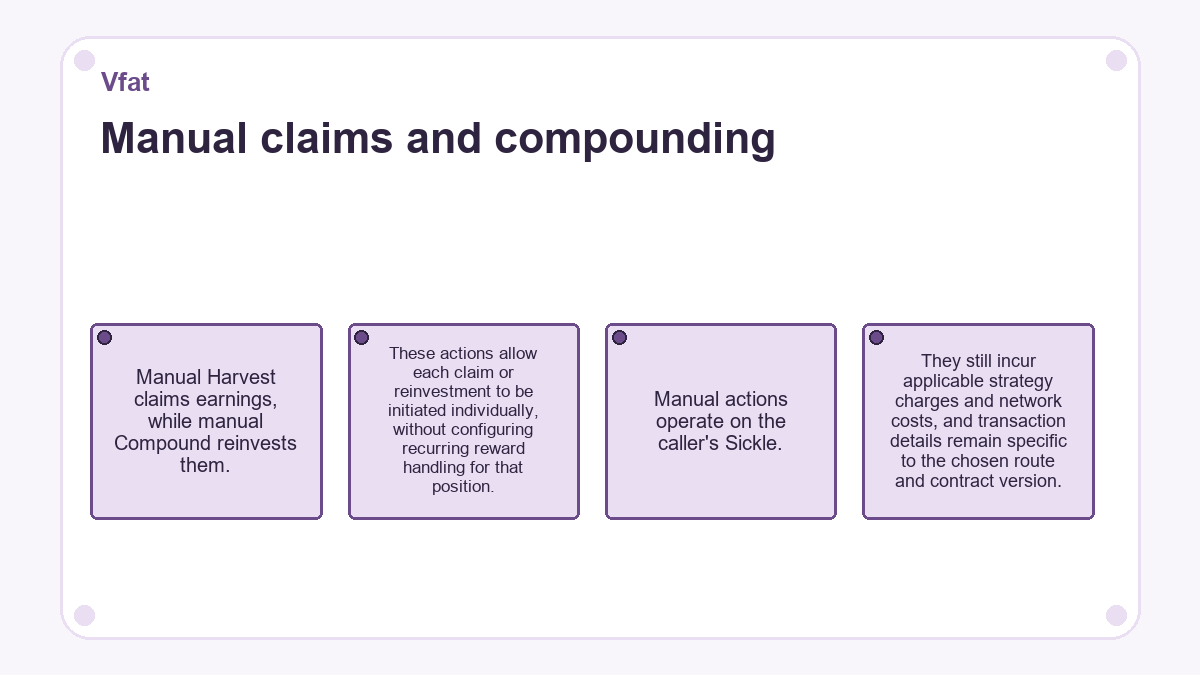
Manual Harvest claims earnings, while manual Compound reinvests them. These actions allow each claim or reinvestment to be initiated individually, without configuring recurring reward handling for that position. Manual actions operate on the caller's Sickle. They still incur applicable strategy charges and network costs, and transaction details remain specific to the chosen route and contract version.
Reward fees and their calculation base
The standard strategy schedule charges 0.9% of rewards for manual Harvest or Compound and 1.2% of rewards for Auto-Harvest. The standard Auto-Compound fee is 1.8% of rewards. These reward charges use rewards as their base, not the entire deposited position. Network gas and underlying protocol or swap costs are separate. Applicable charges depend on the selected route and contract version, so prepaid gas funding does not replace the reward strategy fee.
Why can enabled reward automation remain waiting?
Enabled reward automation can remain waiting because its reward conditions or gas funding requirements have not been met. Auto-Harvest requires at least $50 of rewards, even with prepaid gas. Auto-Compound uses an estimated reward threshold alongside transaction costs. Reward automation has no fixed minimum position size, so a smaller position can take longer to earn enough for a run. Without enabled prepaid gas, normal automation requires fee revenue sufficient to cover gas as well as its other conditions.
Approval, funding, or execution problems take priority over a simple Enabled label in the position overview. Rewards below threshold remain an ordinary waiting state. A reported failure can stay visible while another check is scheduled; Queue and Next check show retry timing separately. Position values and current gas estimates do not replace the reported failure reason or override a queued or processing state.
Prepaid gas as a conditional fallback
Prepaid gas supplies an optional funding fallback in the chain's native token for eligible Sickle configurations. Eligible automated runs can use an enabled prepaid balance when their fee revenue cannot cover gas. Adding funds alone does not activate that permission; the prepaid gas setting requires its own enablement and wallet confirmations. This balance belongs to the relevant Sickle and chain. Automated runs do not debit the connected wallet's native-token balance each time. Strategy fees continue to apply, and availability depends on the Sickle and the chain's contract configuration.
Prepaid settings allow a per-operation cap or the available balance as the spending limit. A configured cap stays in native-token units, even when an approximate fiat value appears beside it. A low balance and an insufficient cap are different blockers: topping up the balance does not raise the cap. Unused prepaid funds can be withdrawn. Emptying the balance prevents prepaid charges while leaving the configuration enabled; actions able to fund themselves through fees may still run. Prepaid funding does not bypass reward triggers, permissions, or transaction limits; enabling it does not guarantee immediate execution.
Questions and answers about Vfat
What happens to reward drafts when Automate is turned off during a deposit?
Turning Automate off in the deposit form pauses its selected actions and hides their chart handles while preserving your selections and drafts. Turning it back on restores those selections. The settings require the deposit and wallet confirmations; reinvesting into another position also requires setup transactions afterward.
Does selecting a reward card's title enable its automation?
Selecting a reward card's title leaves its Enable checkbox unchanged. The checkbox turns that action on or off in the chooser. A title or description opens the settings of an enabled card; disabled cards cannot open their settings. Changes still need Save automation and the required wallet confirmations.
Which attempt values explain a reward automation funding failure?
Last attempt gas cost and Last attempt protocol fee describe the previous attempt. Compare them to understand a reported failure to cover gas from fee revenue. Current gas estimate may have changed since that attempt, while Queue and Next check show retry timing separately.
How does the prepaid harvest and compound interval affect charges?
The minimum interval limits how frequently prepaid harvest and compound charges may occur across positions sharing the same Sickle and chain. It applies specifically to those charges and does not replace the position's automation triggers, permissions, or transaction limits. Reaching the interval alone does not guarantee a reward claim or reinvestment.
Is the Yield earnings figure my personal reward balance?
Yield's Earnings figure describes the displayed deposit mode across all its liquidity and does not measure your personal reward balance. It combines swap-fee income and token incentives for the selected period. Token incentives are estimates from the current rate. A rewards-only figure marked with an asterisk excludes unavailable swap-fee information and remains a partial estimate.
Do staked positions in Vfat always receive token rewards?
A Staked deposit can have zero current token rewards. That mode supplies liquidity and stakes it in the named farm, even when its income-source label shows swap fees alone. The label beneath Avg APR identifies the current reported source, so the staking action itself does not establish that token incentives are being paid.