 Vfat
Vfat Portfolio Tracking, Yield Management, and Sickle Wallets
Vfat combines decentralized finance portfolio tracking with yield management through user-controlled Sickle smart contract wallets. You can inspect wallet addresses or ENS names without connecting, compare opportunities, and manage supported positions from the same interface. Its coverage spans supported Ethereum Virtual Machine (EVM) networks. Automation requires both chain permission and individual position settings. Harvesting, compounding, rebalancing, and optional automation sit alongside swaps, bridging, and analytics, with availability depending on the chain, position, and contract configuration.
Updated -
What's inside
Can I monitor wallets without connecting them?
Wallet monitoring works without a connection: Portfolio accepts an address or Ethereum Name Service (ENS) name and displays supported balances and positions. Multiple wallets can form a bundle, with combined balances and an expandable breakdown showing which wallet holds each asset. Token balances, liquidity positions, and vault positions appear with their current monetary values. Grouping by chain separates network exposure, while search and balance filters narrow the assets displayed. Adding a connected wallet is another entry path when a wallet connection already exists.
Portfolio totals include all assets in enabled wallets by default. A separate setting makes those totals follow the active asset filters.
Sickle wallets, custody, and execution
Positions opened through the app use a Sickle, a smart contract wallet the user controls. That control does not eliminate smart contract risk.
Deployment on each chain
SickleFactory deploys a Sickle for each user when they first open a position on a given chain. The account is specific to that user and network. The Sickle account dialog lists deployed wallets with their addresses and automation switches. On mobile, the same controls appear under Sickles in the menu.
Restricted strategy calls
Sickle's gated Multicall function can batch swaps, liquidity provision, staking, and related actions into a single transaction, with both the calling strategy and target contracts required to be registered in SickleRegistry. Manual actions operate on the caller's own Sickle. Automation uses separate entry points constrained by the permissions and position settings the user enables.
Fungible and concentrated liquidity
FarmStrategy handles deposits, withdrawals, harvesting, and compounding for fungible liquidity-provider (LP) positions, including paths without swaps. NftFarmStrategy handles those actions and rebalancing for concentrated liquidity positions represented by non-fungible tokens (NFTs). SweepStrategy recovers tokens accidentally left in or sent to a Sickle. Available strategies and their deployment addresses vary by chain and contract version.
Yield selection and deposit modes
The Yield view compares opportunities across supported chains and protocols, with filters for the network, protocol, and farm type. Its coverage includes pools earning swap fees alone and farms with additional incentives. Depositing, withdrawing, harvesting, compounding, and rebalancing belong to position management; the actions available depend on the position type and its supported strategy.
Unstaked supplies liquidity without staking; Staked also stakes the position in the named farm. A staked position does not automatically earn both swap fees and token incentives. Each available mode shows its income source, which can change with current rewards. Selecting a different deposit mode updates the quote without moving existing positions.
Displayed metrics also have different scopes. Total value locked covers the whole pool, while APR and income follow the displayed deposit option. The income figure describes that option across its liquidity, not the earnings of an individual position. Missing fee data can leave a marked, rewards-only estimate.
What determines whether automation can run?
Automation requires permission for the relevant chain and configuration for each position, with execution also dependent on its triggers and funding. An enabled setting is distinct from a completed action. Position statuses distinguish ordinary waiting from funding blockers and execution errors.
Rewards, ranges, and exits
Auto-Harvest claims earnings and can convert them to another token. Auto-Compound reinvests earnings using an estimated reward threshold and transaction costs. Auto-Rebalance moves a concentrated liquidity position to a new range when its configured price and delay conditions are met. Auto-Exit exits a position when its price trigger is crossed; execution may occur at a different price. The position's automation controls show the types available to it.
Fee-funded runs and prepaid gas
Normal automation runs when its fee revenue covers gas and its other conditions are met. Eligible Sickles can use an optional prepaid balance in the chain's native token as a fallback when fees cannot cover gas. Availability depends on the Sickle and chain's contract configuration. Depositing funds alone does not activate prepaid charging; it must also be enabled in Sickle settings. Automated runs do not debit the connected wallet's native-token balance each time. A saved per-operation prepaid charge cap remains in native-token units, even when the interface also shows an approximate fiat equivalent. Strategy fees still apply.
Swaps, bridging, and market analytics
Swap/Bridge compares routes across decentralized exchange aggregators and bridges tokens across supported networks. The analytics areas cover protocols, tokens, lending markets, and platform statistics.
Strategy charges and account requirements
The standard strategy-fee schedule separates action charges from network gas, underlying protocol costs, swap costs, and optional cover premiums. A deposit or withdrawal involving a swap can incur a strategy fee even when the starting asset is an underlying pool token. Standard harvest and compound charges use rewards as their base. Rebalancing carries a position-based fee, and reward handling can add a separate charge. The applicable schedule depends on the route and contract version.
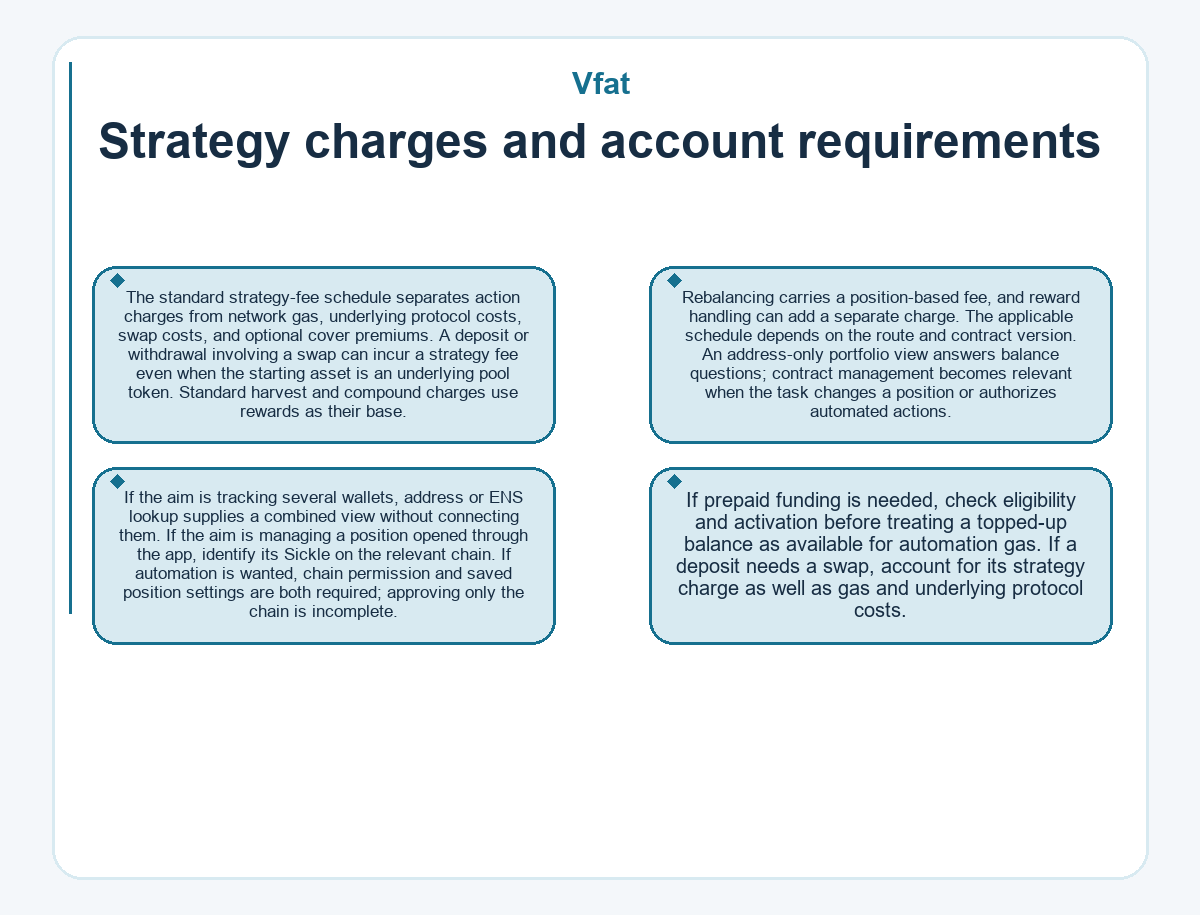
An address-only portfolio view answers balance questions; contract management becomes relevant when the task changes a position or authorizes automated actions.
- If the aim is tracking several wallets, address or ENS lookup supplies a combined view without connecting them.
- If the aim is managing a position opened through the app, identify its Sickle on the relevant chain.
- If automation is wanted, chain permission and saved position settings are both required; approving only the chain is incomplete.
- If prepaid funding is needed, check eligibility and activation before treating a topped-up balance as available for automation gas.
- If a deposit needs a swap, account for its strategy charge as well as gas and underlying protocol costs.
Vfat: reader questions
How can I find a Sickle missing from the account list?
Use Refresh in Sickle settings when a deployed account is missing from the list. If it still does not appear, Copy diagnostics produces debug information you can share with support. The Sickle controls list accounts separately by chain, including each account's address.
Does a Sickle audit report identify the deployment address active on my chain?
Audit reports identify the code and scope reviewed at the time of the audit; they are not a current deployment-address directory. Deployment addresses vary by chain and contract version. The app shows your Sickle's address; use that account address to inspect the contract in the relevant chain's block explorer.
What happens to automation if I withdraw all prepaid gas?
Withdrawing the entire prepaid balance prevents prepaid charges, while actions funded through their fees can still run when their other conditions are met. Emptying the balance leaves its prepaid configuration enabled. It therefore does not switch off automation or remove the strategy fees applicable to an action.
When does a Sickle need an automation upgrade?
An older Sickle may require a one-time migration before a new automation type can be enabled. The app displays a migration control when an upgrade is needed. Complete the affected account's upgrade before enabling the relevant automation or activating prepaid gas where the settings require that upgrade.
Why is the support-ticket indicator still red after I read a reply?
The red dot means the latest reply on at least one open ticket is from staff. Reading that reply does not clear the indicator. It clears once you reply to or close the affected tickets, so another open ticket with a staff reply as its latest message can keep the dot visible.